32 levels of the classic campaign
Battle through hordes of demons, find hidden passages and choose your difficulty. Use the level map to navigate the maze and return to areas you haven’t explored.
Tap an image to take a closer look.

Action · Classic shooter
Super shotgun loaded. Your move.
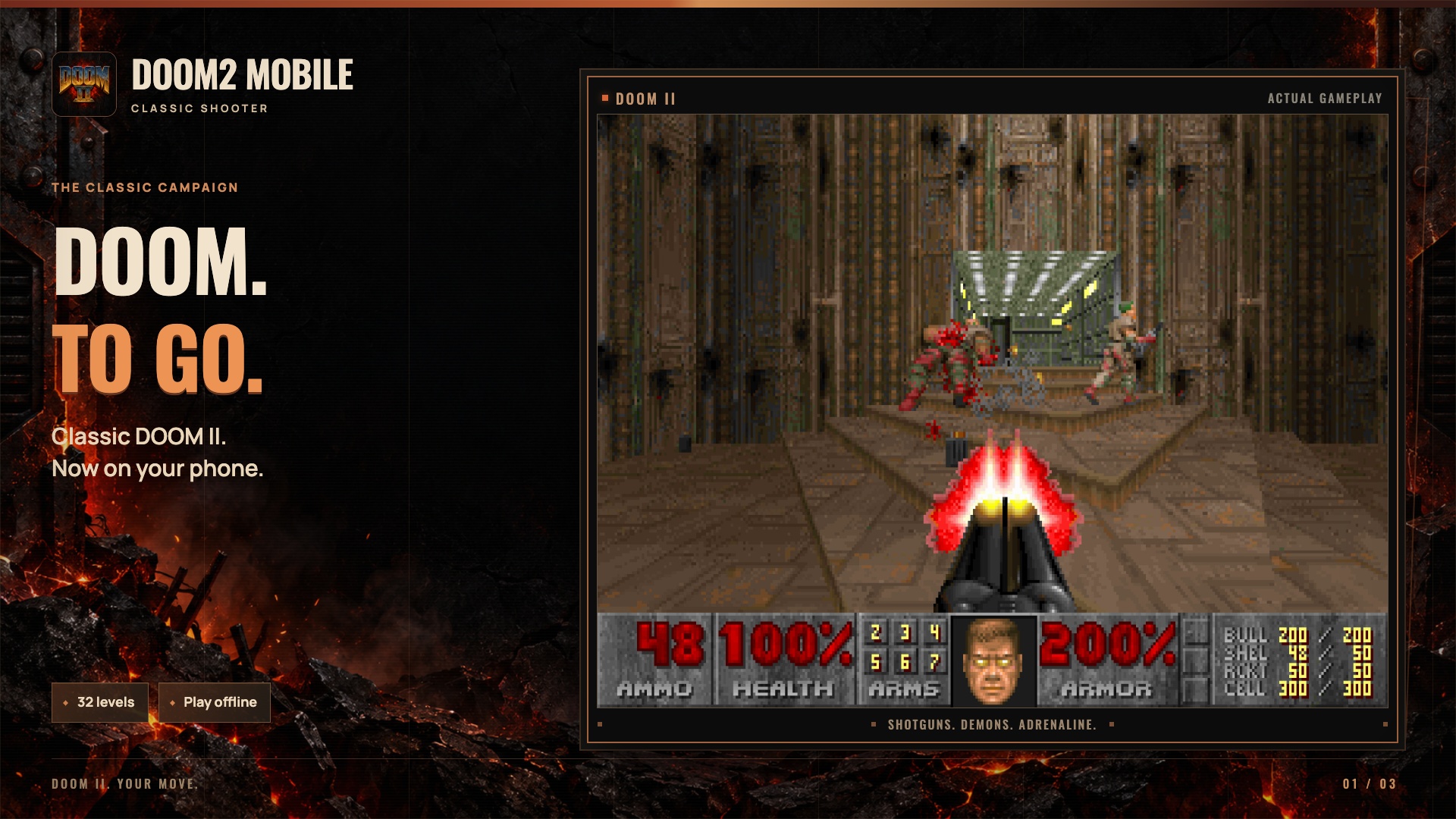
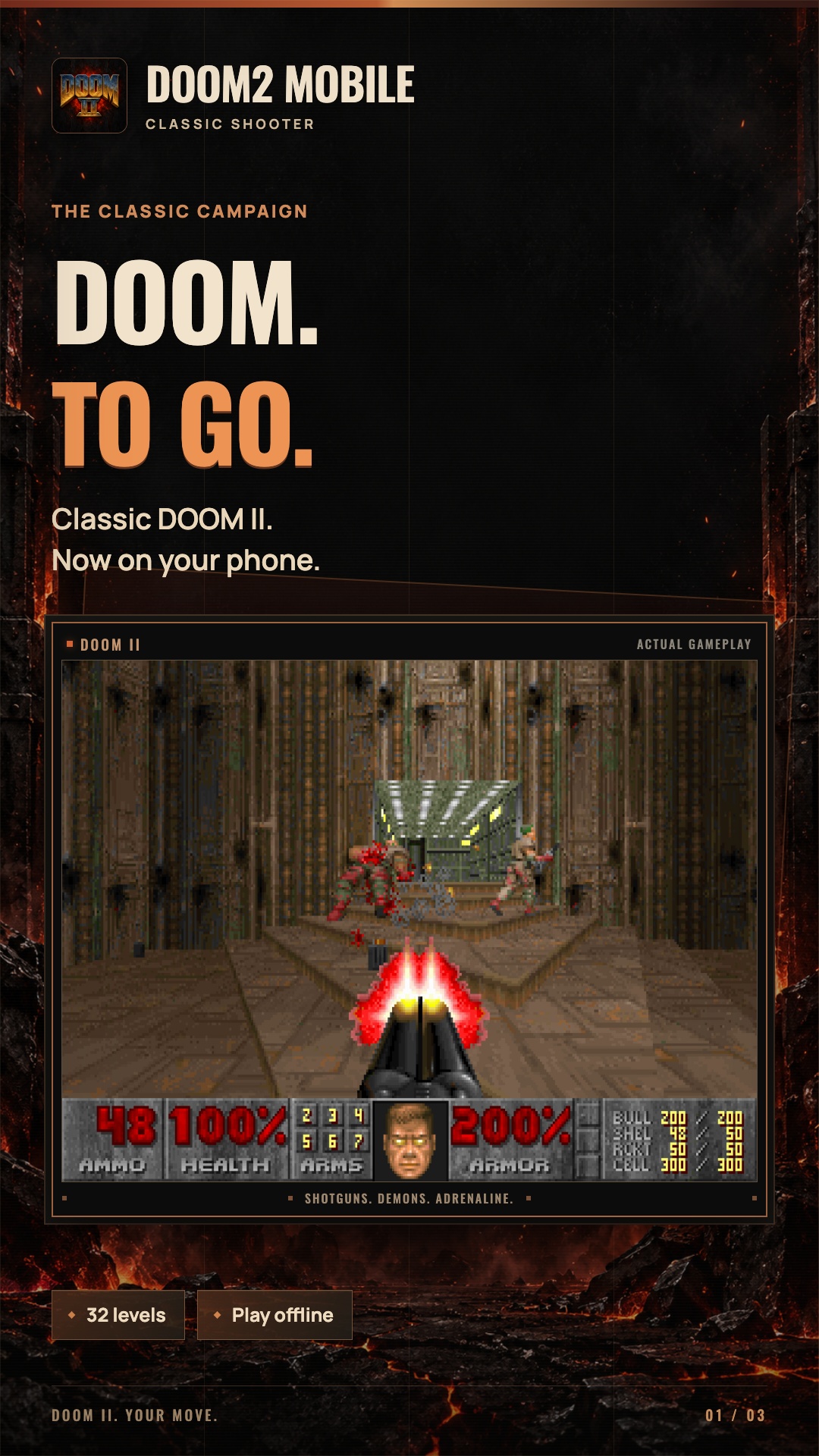
Classic DOOM II in your pocket: 32 levels, the familiar arsenal and gesture controls. Explore corridors, find secrets and fight your way through hordes of demons.
Super shotgun loaded. Demons incoming. Doom2 Mobile brings classic DOOM II to Android phones and tablets, with familiar locations, intense combat and gesture controls that keep virtual buttons off the game screen.
Fight through 32 levels, explore corridors, find keys and uncover secret rooms. The classic campaign is included in the app and works offline. The instructions on the launch screen help you learn the gestures before your first fight.
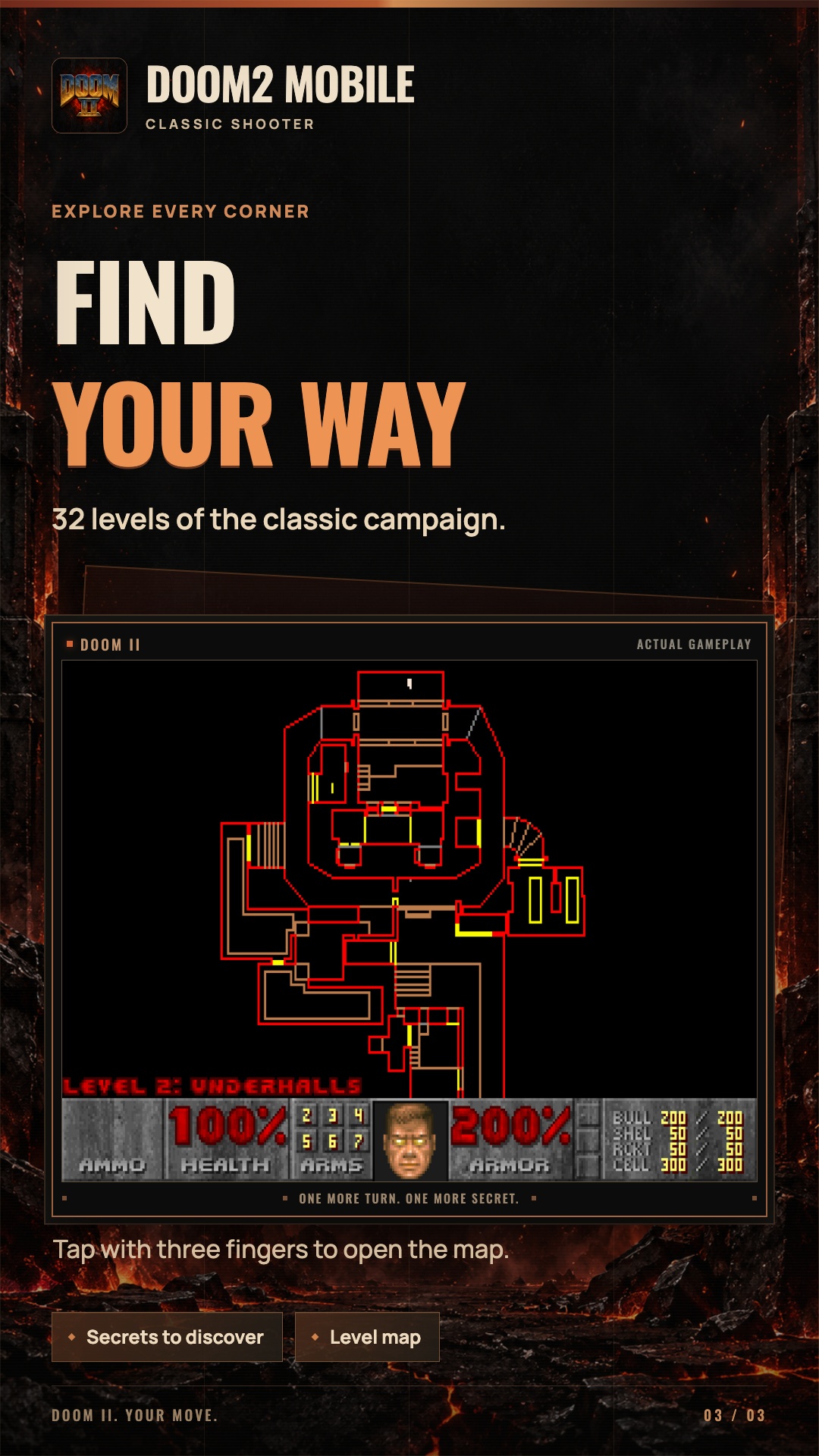
Battle through hordes of demons, find hidden passages and choose your difficulty. Use the level map to navigate the maze and return to areas you haven’t explored.
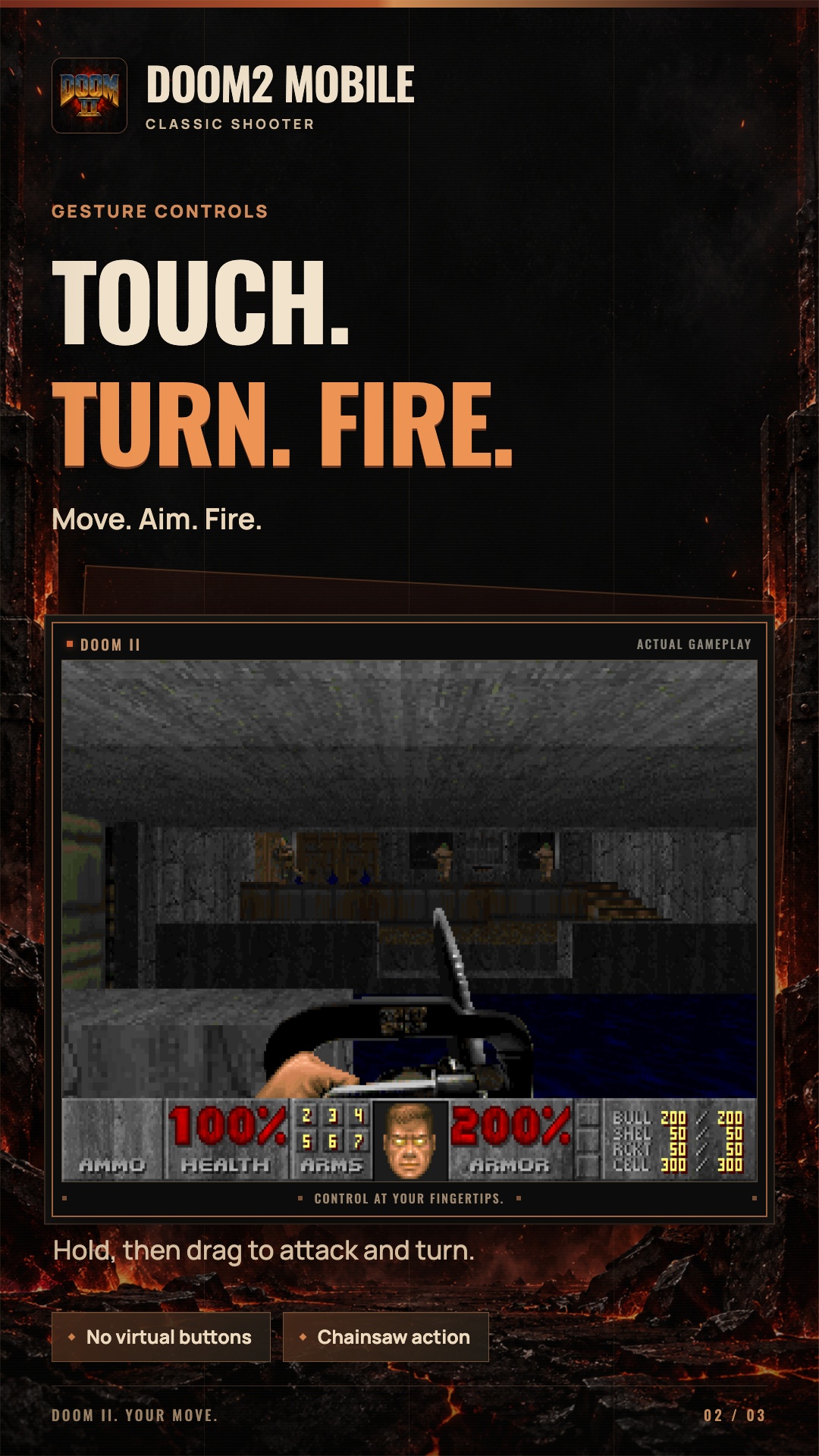
Move with your left finger; turn and fire with your right. Hold an attack and drag the same finger to turn while firing. Swipe to change weapons and use a short two-finger tap to open doors.
Clear a path with the super shotgun, keep your distance with the rocket launcher or meet the enemy with a chainsaw. Watch your ammunition, collect health and choose a weapon for the next corridor.
v0.2.3 · 30.0 MB · Android 7.0+ · ARM64
Another game to discover
 About the game